Why Vite 8 Builds Break on Older Android WebViews (Edge 44 / Chromium 77) and How to Fix It
Last updated on November 2, 2026 pm
Symptoms
While developing webtools.rustfisher.com, everything rendered and functioned flawlessly on modern desktop browsers and recent mobile devices.
However, when testing on older Android devices (such as an old test phone running Edge 44, powered by the Chromium 77 engine), the layout was completely broken—styles were missing, and some interactive JavaScript scripts failed to execute.
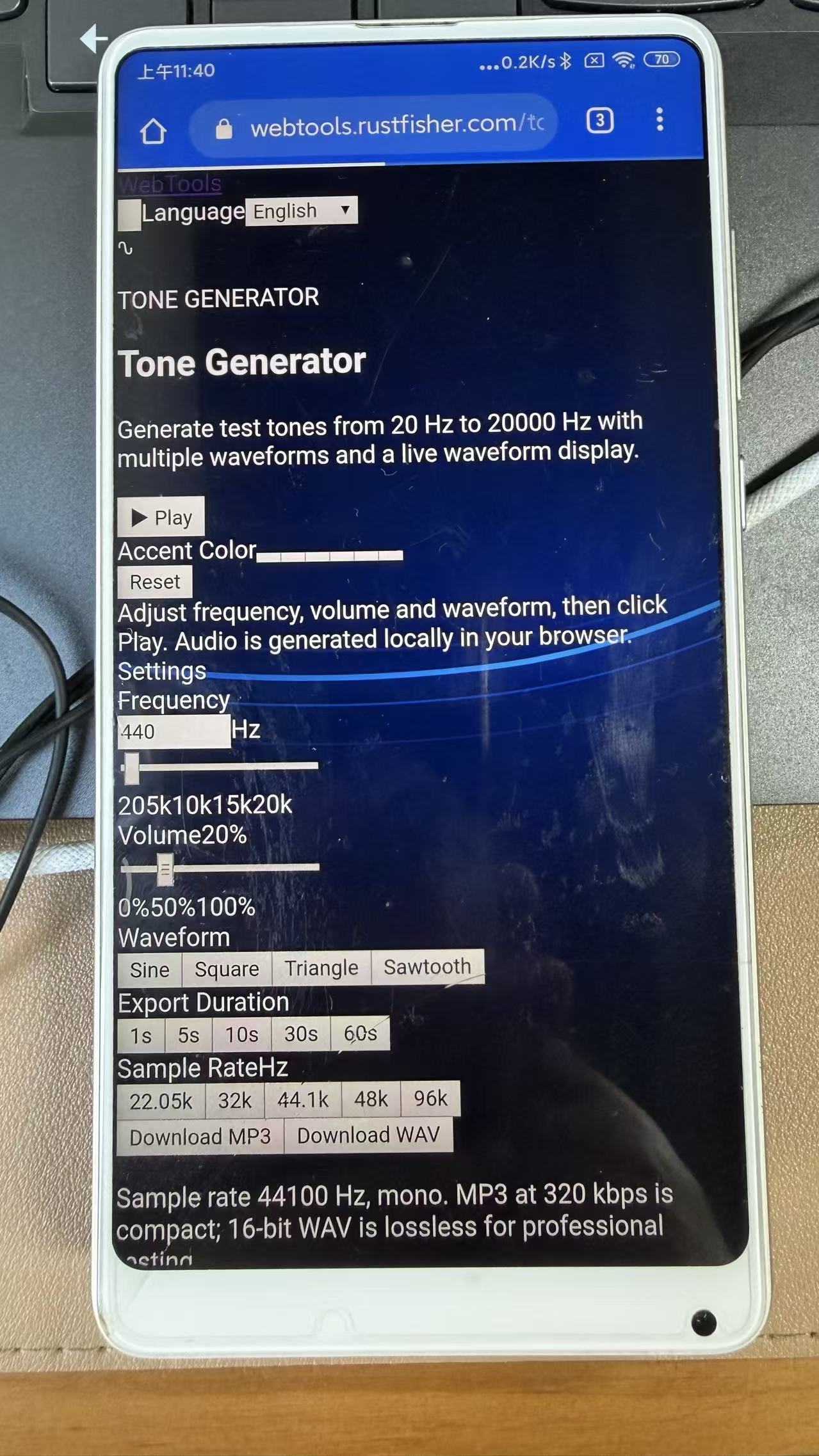
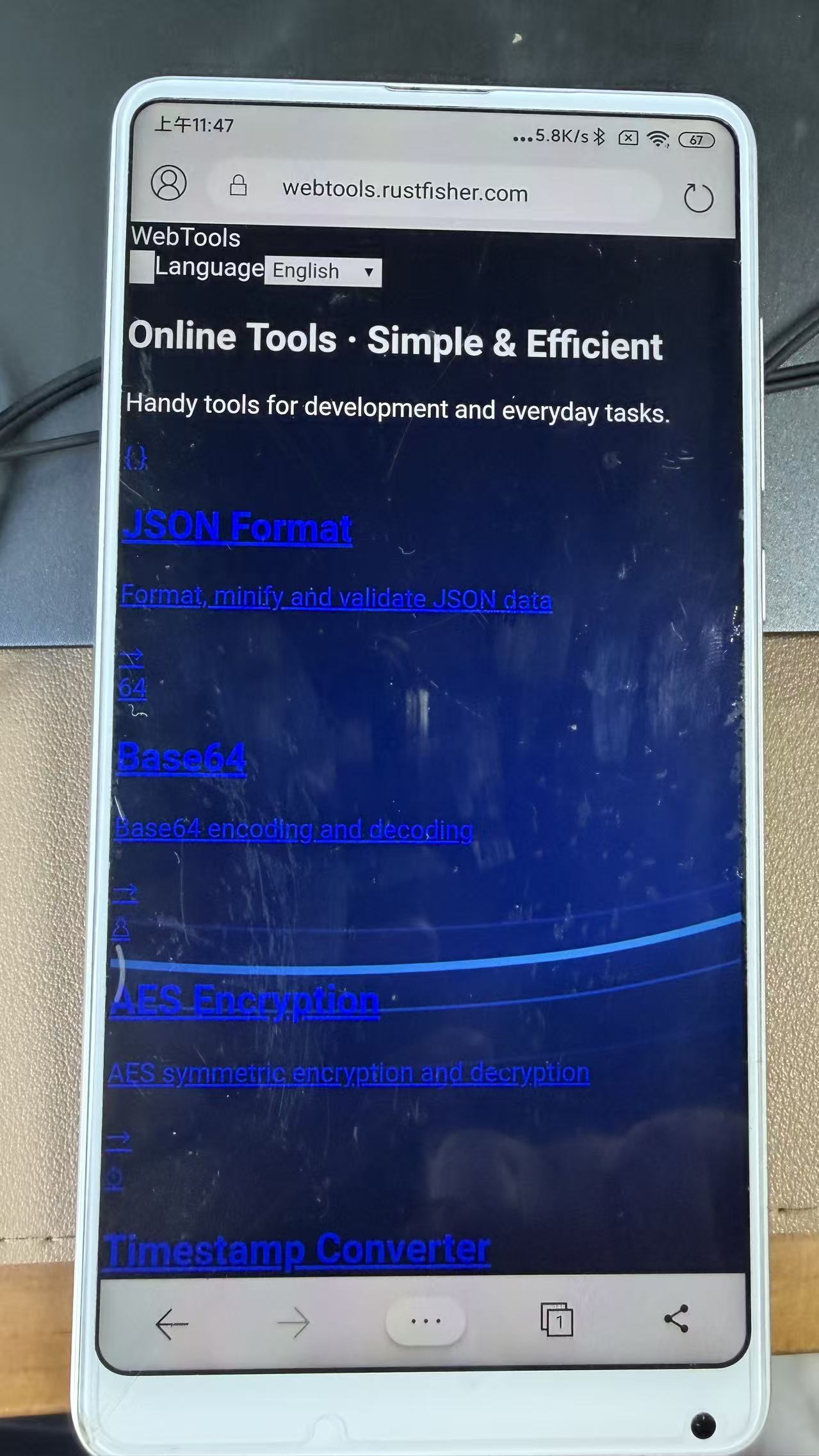
Root Cause Analysis
Edge 44 on Android utilizes an underlying Blink engine equivalent to Chromium 77.
By default, Vite 8 targets modern browsers (roughly aligned with Chrome 111+). As a result, the default build output includes modern CSS and ECMAScript features that Chromium 77 cannot parse:
- Modern CSS Media Query Range Syntax:
The output used comparison operators like@media (width <= 480px). Chromium 77 does not support range queries, causing the browser to ignore the entire rule block and breaking the mobile layout completely. - The
insetCSS Shorthand:
Chromium 77 lacks support forinset(which was introduced in Chrome 87). Rules relying on it for absolute positioning failed silently. - Modern JavaScript Syntax:
Vite 8 does not downlevel syntax like optional chaining (?.), nullish coalescing (??), logical assignment (??=), or array methods like.at()by default. In Chromium 77, encountering these produces a syntax error that halts script execution immediately. color-mix():
Our existing codebase already included fallback color declarations, so this did not introduce any breaking rendering issues.
Solution
Explicitly specify the build targets in vite.config.js to downlevel both JavaScript and CSS assets for Chromium 77 and older Safari versions:
1 | |
Verifying Build Output
After rebuilding with the updated configuration, inspect the dist directory:
- Media Queries: Converted back to compatible syntax, such as
@media (max-width: 480px). - CSS Properties: Standalone
insetproperties have been expanded to standardtop,right,bottom, andleft. - JavaScript Syntax: High-version syntax such as
??=,||=, and.at(are no longer present. Operators like?.and??have been compiled down into conditional checks according to the target specification.
Verification Steps
- Run your deployment script to publish the updated assets:
1 | |
- Clear browser cache on the test device, or open the URL in an InPrivate / Incognito tab to verify that layout styling and interactive scripts now work as expected.